Showing posts with label shell. Show all posts
Showing posts with label shell. Show all posts
Tuesday, December 25, 2018
TSF Shell 1 9 9 6 APK
TSF Shell 1 9 9 6 APK
Download TSF Shell APK version 1.9.9.6 for free. Fully customize your android with mind-blowing 3D designs. Discover a completely new way to interact with your device!

TSF Shell 1.9.9.6 APK
Requirements: Android 2.2 and up
Size: 6 MB
Rating: 4.1/5
Type: Personalization
? User reviews from the Play Store: ?
"Its getting better and better in every update. Love the new folder animation. You guys are the best. Give some kind of discount on the price, you deserve more downloads than all other 3d launchers." --A Google User
"Awesome You guys rock amazing!!Five stars! Give six if I could. Recently tried every other launcher.. Tsf is the best.. Love the new arc shortcut .. Tsf smooth as butter.. No other launcher even comes close" --Jan van wyck
"This is an awesome launcher & i have tried most! Its responsive & doesnt lag & it gets updates frequently. Love the layout & the widgets & well worth the cost :) it gets a big thumbs up from me gr8 work guys :-) keep up the good work tsf & as always u lead & others follow! This is the best launcher out there full stop! :-) just wanted to say thanks for the new update & working well & looking good on my note 2..!" --A Google User
"Best launcher ever! Each update makes this fantastic launcher even better. The features and animations are amazing. Buy it. Now!" --Bill Smith
"Absolute best! I finally have the ability to select multiple icons from anywhere! Thank you!" --Mary Kiernan
DESCRIPTION, REVIEW & FEATURES:
Boasting gorgeous UI, great shortcut management options, cool and interactive widgets and essentially a completely new way to interact with your Android, TSF Shell Pro was more than enough for the Android community as one to take notice of the indulgent eye-candy on display. I downloaded the app within about half an hour of its Market release and used it as my primary launcher since then.Main Features:
Usefulness:It works as a launcher, so in that regard it does what it says on the tin. However, it’s quite unlike anything we have seen before. And, while I am a massive fan of doing things differently with originality and innovation, new solutions still need to be intuitive. TSF Shell Pro isn’t quite there yet.
Ease of Use:Once you get used to the navigation, it’s quite easy to use. Initially, however, it feels like it is going against your entire Android experience so far. The rich graphics make it an absolute joy to use at first but, when you need an app quickly it always takes a moment or two to remember where it is and how to get to it. It’s that delay that, when you’re in a rush, is a real killer and very frustrating.
Interface:The interface is dazzlingly beautiful yet often nail-bitingly counter-intuitive. Once you get over the striking looks, it feels wholly impractical at times. It shows graft, innovation and a genuine potential to be something truly mind-blowing, but it doesn’t quite feel like the finished product. -- by Paul Wilks from androidtapp.com
1.Fantastic animation transition effects. All operations, including deletion, addition, menu showing-up or vanishing, are provided with natural, glaring and butter-smooth animation transition effects.
2.Miraculous and effective 3D home screen switching mode and freewheeling home screen element layout mode. More than 10 independent layout home screens supported.
3.Unlimited dock bar. Ability to change its position, length and angle as well as to modify the size and the status (hidden or showed) of icons and folders in the dock bar. You can open the apps and the folders in the dock bar with wave-sliding mode.
4.Batch icon selecting for home screens, folders and dock bar.
5.More than 10 TSF Shell exclusive widgets, such as Message, Clock, Weather, Memo, Music, Gallery etc. All 3D widgets provide unique visual and operative experience.
6.More than 9 gestures supported for Android shortcuts, e.g. app launching, phone call, sms, as well as TSF Shell shortcuts, e.g. home screen switching, status bar hiding, TSF Shell side bar hiding.
7.TSF Shell Arch Shortcut Menu with special animation effects and operative experience. Ability to complete quick custom shortcut operations on any home screen.
8.Pioneering icon editing tool. Ability to customize icon back image, upon image, text label style, etc.
9.Many nice free third-party themes are available.
10.Funny and intuitive TSF Shell settings menu. You can preview the corresponding settings directly.
Tips:
The folder where the application is less than 8, only to circle the icon into the folder.
The folder where the application is more than 8, only to drag the icon ftom the folder.
What’s new in version 1.9.9.6
1.TSF Arch Shortcut Menu
2.Themes Mix V1.0 ( Batch Icon Change, compatible with all icon packages on Google Play )
3.New multiple selection
4.More pendant widgets
5.More icon menu option
6.New icon picker interface and operation mode
7.Memory usage reduced
8.Known bugs fixed
Screenshots (click to enlarge)


Video Review
https://play.google.com/store/apps/details?id=com.tsf.shell
Download Multiupload
Download [Mirror 1] Zippyshare
Download [Mirror 2] Sockshare
Download [Mirror 3] Sendspace
Download [Mirror 4] Mirrorcreator
UPDATE: Download TSF Shell 1.9.9.7.1 APK
If youre from India and cant access adf.ly links, read the solution.
- The games and apps on this site are meant for TESTING, FEEDBACK and PROMOTIONAL purposes only. If you like a game or app then please buy it from GOOGLE PLAY STORE and Support the Developers whose software you actually enjoy!
Get link for download

Monday, July 16, 2018
Next Launcher 3D Shell v3 19 Patched
Next Launcher 3D Shell v3 19 Patched

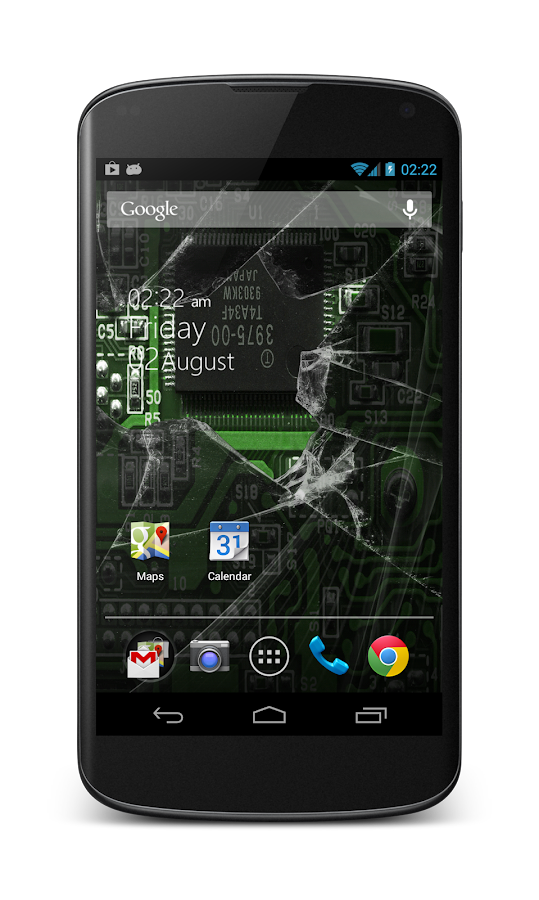
Here is a proper and fully 3d effect parallax with tilting background LWP-
3D PARALLAX BACKGROUND
Unlike other live wallpapers which just move one flat background image - this live wallpaper combines few background layers, reacting to your devices gyroscope rotation and tilting to give the best illusion experience.
Compare and see the difference for yourself.
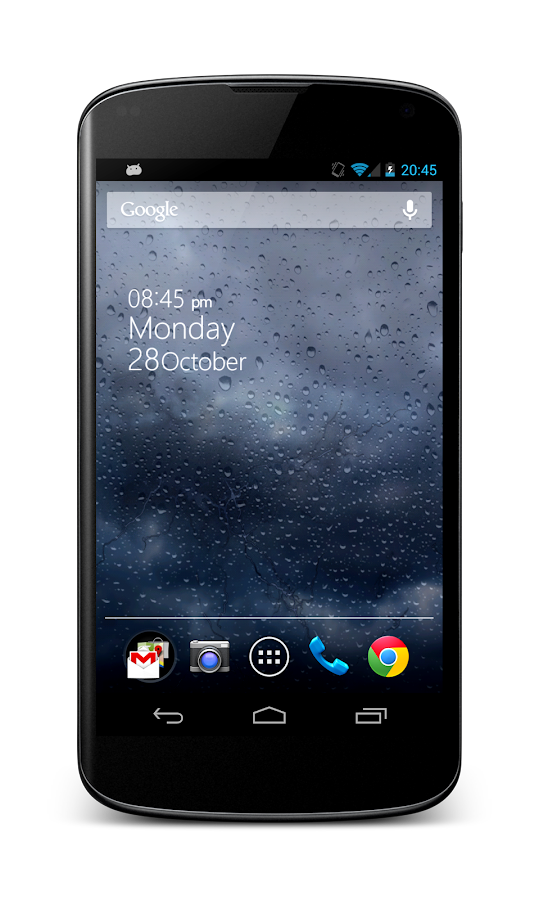
- fully 3D OpenGL gyroscope controlled environment
- completely new and unique feature you wont find anywhere else even on Iphone - multi-layered parallax
- download or create your own multi-layers! To share your own creations with other users please email us and we will share it in public dropbox folder. Please use 1024x1024 or 2048x2048 transparent PNG files.
- 5 included unique multi-layered backgrounds for better depth illusion - more coming soon.
- rotating backgrounds to match your devices rotation in all axis
- same 3D depth effect as seen on Iphone iOS 7
- configure the levels of depth effect
- use your own custom image or choose from included backgrounds set (please use default gallery application to select own image as were working on adding support for 3rd party apps like quickpix, dropbox etc)
- smooth and battery efficent
- has an option to use only accelerometer sensor which uses 10 times less power than other sensors for super extra power save (not really neccessary)
- when not visible application is completely stopped, it doesnt run anything in background
- use custom launchers like Nova or Apex to have this wallpaper visible in your app drawer as well
PLAY STORE LINK-https://play.google.com.parallaxwallpaper
DOWNLOAD LINK-
 |
| DOWNLOAD APK |
Get link for download
Sunday, February 4, 2018
TSF Shell 1 9 9 7 1 APK Download
TSF Shell 1 9 9 7 1 APK Download
Download TSF Shell APK version 1.9.9.7.1 for free. Fully customize your android with mind-blowing 3D designs. Discover a completely new way to interact with your device!
TSF Shell 1.9.9.7.1 APK
Requirements: Android 2.2 and up
Size: 7 MB
Rating: 4.1/5
Type: Personalization
? User reviews from the Play Store: ?
"Its getting better and better in every update. Love the new folder animation. You guys are the best. Give some kind of discount on the price, you deserve more downloads than all other 3d launchers." --A Google User
"Awesome You guys rock amazing!!Five stars! Give six if I could. Recently tried every other launcher.. Tsf is the best.. Love the new arc shortcut .. Tsf smooth as butter.. No other launcher even comes close" --Jan van wyck
"This is an awesome launcher & i have tried most! Its responsive & doesnt lag & it gets updates frequently. Love the layout & the widgets & well worth the cost :) it gets a big thumbs up from me gr8 work guys :-) keep up the good work tsf & as always u lead & others follow! This is the best launcher out there full stop! :-) just wanted to say thanks for the new update & working well & looking good on my note 2..!" --A Google User
"Best launcher ever! Each update makes this fantastic launcher even better. The features and animations are amazing. Buy it. Now!" --Bill Smith
"Absolute best! I finally have the ability to select multiple icons from anywhere! Thank you!" --Mary Kiernan
DESCRIPTION, REVIEW & FEATURES:
Boasting gorgeous UI, great shortcut management options, cool and interactive widgets and essentially a completely new way to interact with your Android, TSF Shell Pro was more than enough for the Android community as one to take notice of the indulgent eye-candy on display. I downloaded the app within about half an hour of its Market release and used it as my primary launcher since then.Main Features:
Usefulness:It works as a launcher, so in that regard it does what it says on the tin. However, it’s quite unlike anything we have seen before. And, while I am a massive fan of doing things differently with originality and innovation, new solutions still need to be intuitive. TSF Shell Pro isn’t quite there yet.
Ease of Use:Once you get used to the navigation, it’s quite easy to use. Initially, however, it feels like it is going against your entire Android experience so far. The rich graphics make it an absolute joy to use at first but, when you need an app quickly it always takes a moment or two to remember where it is and how to get to it. It’s that delay that, when you’re in a rush, is a real killer and very frustrating.
Interface:The interface is dazzlingly beautiful yet often nail-bitingly counter-intuitive. Once you get over the striking looks, it feels wholly impractical at times. It shows graft, innovation and a genuine potential to be something truly mind-blowing, but it doesn’t quite feel like the finished product. -- by Paul Wilks from androidtapp.com
1.Fantastic animation transition effects. All operations, including deletion, addition, menu showing-up or vanishing, are provided with natural, glaring and butter-smooth animation transition effects.
2.Miraculous and effective 3D home screen switching mode and freewheeling home screen element layout mode. More than 10 independent layout home screens supported.
3.Unlimited dock bar. Ability to change its position, length and angle as well as to modify the size and the status (hidden or showed) of icons and folders in the dock bar. You can open the apps and the folders in the dock bar with wave-sliding mode.
4.Batch icon selecting for home screens, folders and dock bar.
5.More than 10 TSF Shell exclusive widgets, such as Message, Clock, Weather, Memo, Music, Gallery etc. All 3D widgets provide unique visual and operative experience.
6.More than 9 gestures supported for Android shortcuts, e.g. app launching, phone call, sms, as well as TSF Shell shortcuts, e.g. home screen switching, status bar hiding, TSF Shell side bar hiding.
7.TSF Shell Arch Shortcut Menu with special animation effects and operative experience. Ability to complete quick custom shortcut operations on any home screen.
8.Pioneering icon editing tool. Ability to customize icon back image, upon image, text label style, etc.
9.Many nice free third-party themes are available.
10.Funny and intuitive TSF Shell settings menu. You can preview the corresponding settings directly.
Tips:
The folder where the application is less than 8, only to circle the icon into the folder.
The folder where the application is more than 8, only to drag the icon ftom the folder.
What’s new in version 1.9.9.7.1
- Repaired the problem that some devices crashed when using Themes Mix
- Repaired other problems which led to the crashes
- Theme Mix (Support all theme material)
- Widget Preview (Widget selector with widget preview for devices with Android 4.1+)
- Extra Desktops Quantity(The minimum quantity of the extra desktops was changed to one)
- Repaired problems that some devices runs TSF Shell not smoothly
- Repaired problems that the wallpaper can not be centered or become all black in some devices
- Optimized the starting speed
- Optimized some operational processes
- Known bugs fixed
Screenshots (click to enlarge)
Video Review
Download Multiupload
Download [Mirror 1] Zippyshare
Download [Mirror 2] Sharebeast
Download [Mirror 3] Sendspace
- The games and apps on this site are meant for TESTING, FEEDBACK and PROMOTIONAL purposes only. If you like a game or app then please buy it from GOOGLE PLAY STORE and Support the Developers whose software you actually enjoy!
Get link for download
Saturday, July 8, 2017
TSF Shell 3D Launcher v3 2 1 APK
TSF Shell 3D Launcher v3 2 1 APK

TSF Shell 3D is an interface with brand new operating system.
Get link for download
Tuesday, April 4, 2017
TSF Launcher 3D Shell v3 1 3 APK
TSF Launcher 3D Shell v3 1 3 APK
TSF Shell 3D is an interface with brand new operating system.
Get link for download
Thursday, March 23, 2017
Next Launcher 3D Shell v3 7 3 1 Cracked APK is Here! LATEST
Next Launcher 3D Shell v3 7 3 1 Cracked APK is Here! LATEST

Next Launcher 3D Shell
Next Launcher 3D Shell shows you how 3D dynamic effects and highly customizable Android home screen replacement app could redefine your Android device. Time to get rid of the flat traditional launcher and embrace REAL 3D Launcher! You deserve it!! Forget about everything coating on the flat like dead fish. chuck the icon showing sort of a piece of paper. chuck the dock standing in line like dumb wood. Forget the normal launcher and embrace REAL 3D Launcher!.
Key Features of Next Launcher 3D Shell
- Extremely fancy 3D effect with buttery smooth experience
- Real 3D Home Screen Transition Effects (Crystal, Cloth, Folding and more coming soon)
- Stunning 3D screen preview with dazzling animation of screen switching
- Build unique icon style by changing its size, angle, style and label (Icon Editor)
- Combine all good parts from different themes into a single theme you really love (Theme Mix Mode)
- Efficient and powerful batch apps management with gestures
- Up to 8 different gestures available in home screen and app drawer
- See how cool your phone could be by blowing all the icons and the widgets to air space (Floating Mode)
- Enhanced shining border effects for home screen transition
- Up to 7 rows on dock to shortcut all your favorites
- Keep releasing 3D Next widgets, 3D themes and live wallpapers special designed by GO Launcher Dev Team
Screenshots


Download Links
Next Launcher 3D Shell v3.7.3.1 Cracked APK | Mirror
Get link for download
Wednesday, March 8, 2017

Subscribe to:
Posts (Atom)